Agents SDKs
Build voice and video agents in Python or TypeScript with LiveKit’s open source framework. Design complex workflows in code, define tool use, and integrate with any AI model.

Build agents in code, not configuration
LiveKit's Agents SDKs give you full control over your agent backend, with production-ready defaults designed for realtime conversations.
Agent logic
Define tasks and workflows, model repeatable patterns, and customize agent behavior with reusable building blocks, from structured data capture to multi-agent handoffs.
1from livekit.agents import AgentTask, function_tool23class CollectConsent(AgentTask[bool]):4def __init__(self, chat_ctx=None):5super().__init__(6instructions="""7Ask for recording consent and get a clear yes or no answer.8Be polite and professional.9""",10chat_ctx=chat_ctx,11)1213async def on_enter(self) -> None:14await self.session.generate_reply(15instructions="""16Briefly introduce yourself, then ask for permission to record the call for quality assurance and training purposes.17Make it clear that they can decline.18"""19)2021@function_tool22async def consent_given(self) -> None:23"""Use this when the user gives consent to record."""24self.complete(True)2526@function_tool27async def consent_denied(self) -> None:28"""Use this when the user denies consent to record."""29self.complete(False)
Any AI pipeline
Mix and match any STT-LLM-TTS pipeline combination, or use a realtime speech-to-speech model and video avatars to bring your agents to life.
1from livekit.agents import AgentSession, inference23session = AgentSession(4stt=inference.STT(5model="assemblyai/universal-3-6-pro",6language="en"7),8llm=inference.LLM(9model="google/gemma-4-31b-it",10),11tts=inference.TTS(12model="fishaudio/s2.1-pro",13voice="fa4c9eb3dccc4806b382b40d61c6b10a",14),15)
Custom tools
Give your agent the ability to take action with full support for LLM tool use. Make frontend calls with RPC, call external APIs, or look up data for RAG.
1from livekit.agents import function_tool, Agent, RunContext234class MyAgent(Agent):5@function_tool()6async def lookup_weather(7self,8context: RunContext,9location: str,10) -> dict[str, Any]:11"""Look up weather information for a given location.1213Args:14location: The location to look up weather information for.15"""1617return {"weather": "sunny", "temperature_f": 70}
Conversational quality
Build responsive, human-like voice agents with built-in models for end-of-turn detection, noise cancellation, and interruption handling.
1from livekit.agents import AgentSession, TurnHandlingOptions, inference23session = AgentSession(4turn_handling=TurnHandlingOptions(5turn_detection=inference.TurnDetector(),6),7# ... stt, tts, llm, etc.8)
Build, run, and observe
agents with LiveKit Cloud
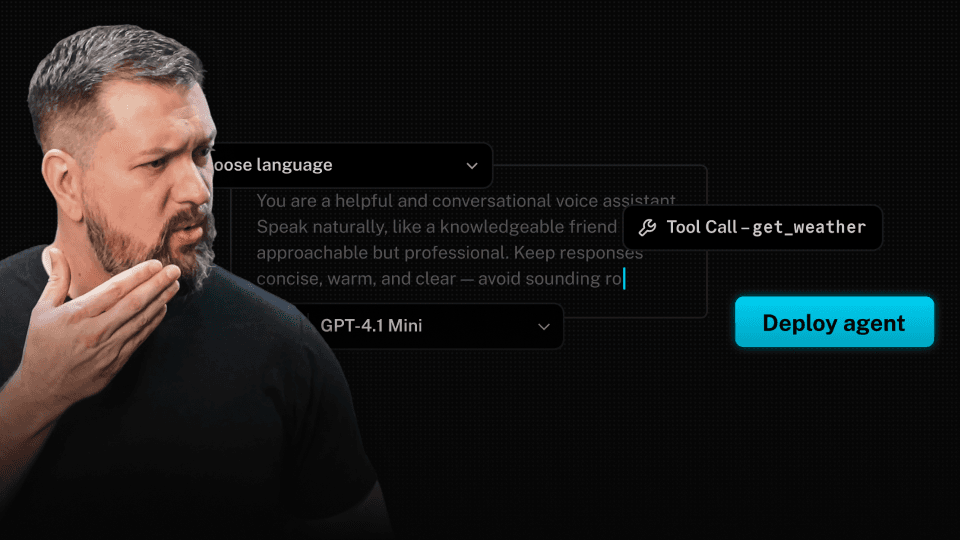
Our end-to-end platform powers enterprise-grade voice AI
for customer support at global scale.




FAQs
How do I get started with LiveKit Agents?
How is LiveKit’s agent framework different from other agent frameworks?
LiveKit’s agent framework is designed for building realtime voice and video agents in code with full-featured SDKs, so you can manage agents like real software with version control, PRs, and rollbacks. Most other voice AI platforms offer simple APIs with limited functionality, or low-code/no-code interfaces that result in rigid agent configurations deployed on black-box infrastructure.
Can my coding agent build with LiveKit?
How do I choose between Python and TypeScript?
Choose the language that best integrates with the rest of your stack and your engineering team. Both SDKs offer the same functionality and compatibility with the LiveKit platform.
Is the TypeScript SDK treated with the same priority as the Python SDK?
Yes, we are working towards feature parity across the Python and TypeScript Agents SDKs.
How do I give my agent tools?
Can I send realtime video to my agent, or give it a video avatar?
How do I pass context or metadata to an agent?
Ready to build?
Start building a voice AI agent with a free account. Reach out to us if you're interested in custom pricing.
No credit card required • 1,000 free agent session minutes monthly