close
Product

LiveKit Phone Numbers

Build voice agents that can answer or make phone calls. Buy local or toll-free numbers from LiveKit or use a third-party SIP trunk to connect your agents to the telephone network.
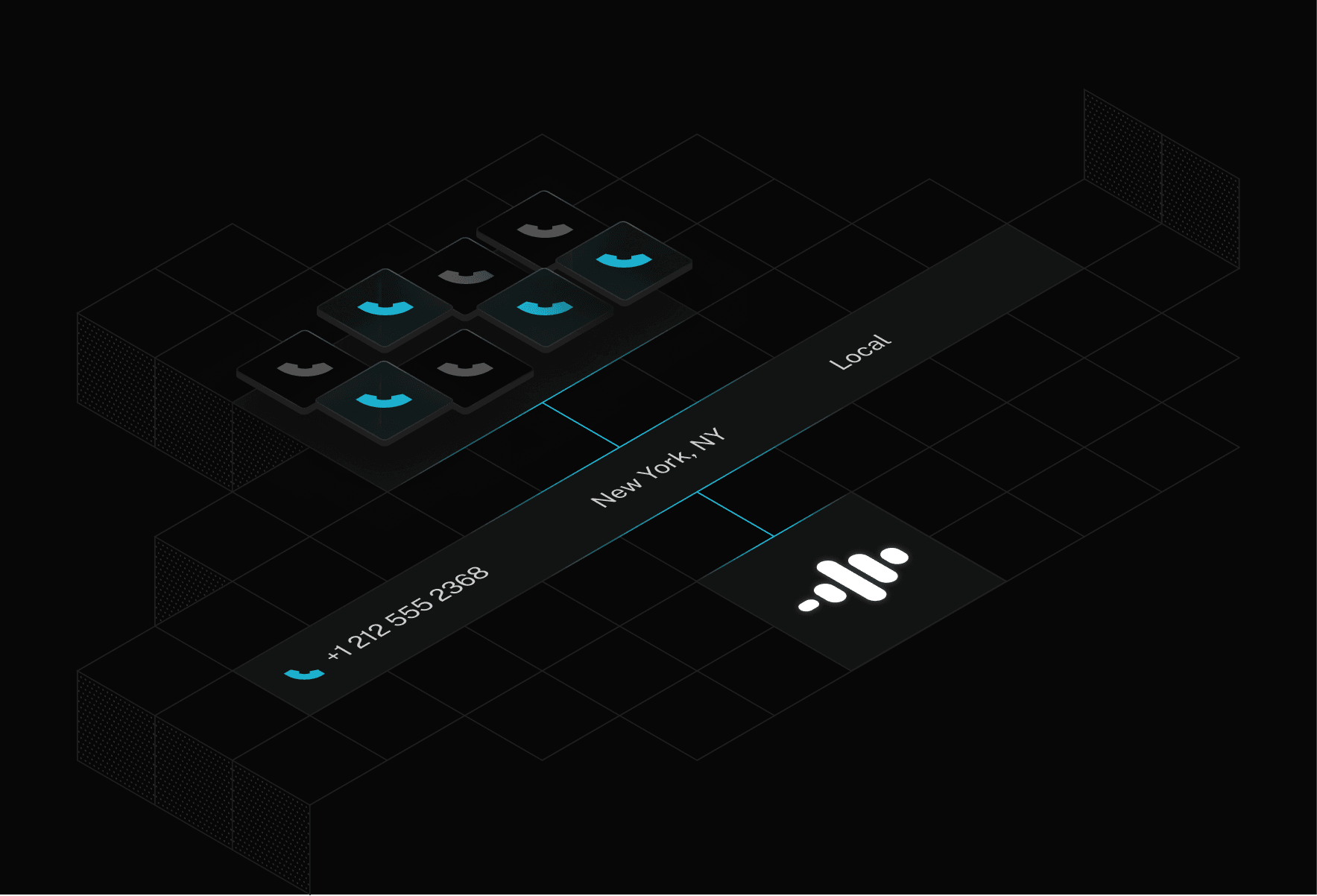
Illustration of isometric grid with LiveKit Phone Numbers elements
Configure in less than 5 minutes
Billions of calls annually
Built-in noise cancellation

Connect voice agents to phone lines

Integrate LiveKit Agents with telephony systems using Session Initiation Protocol (SIP).

Direct procurement

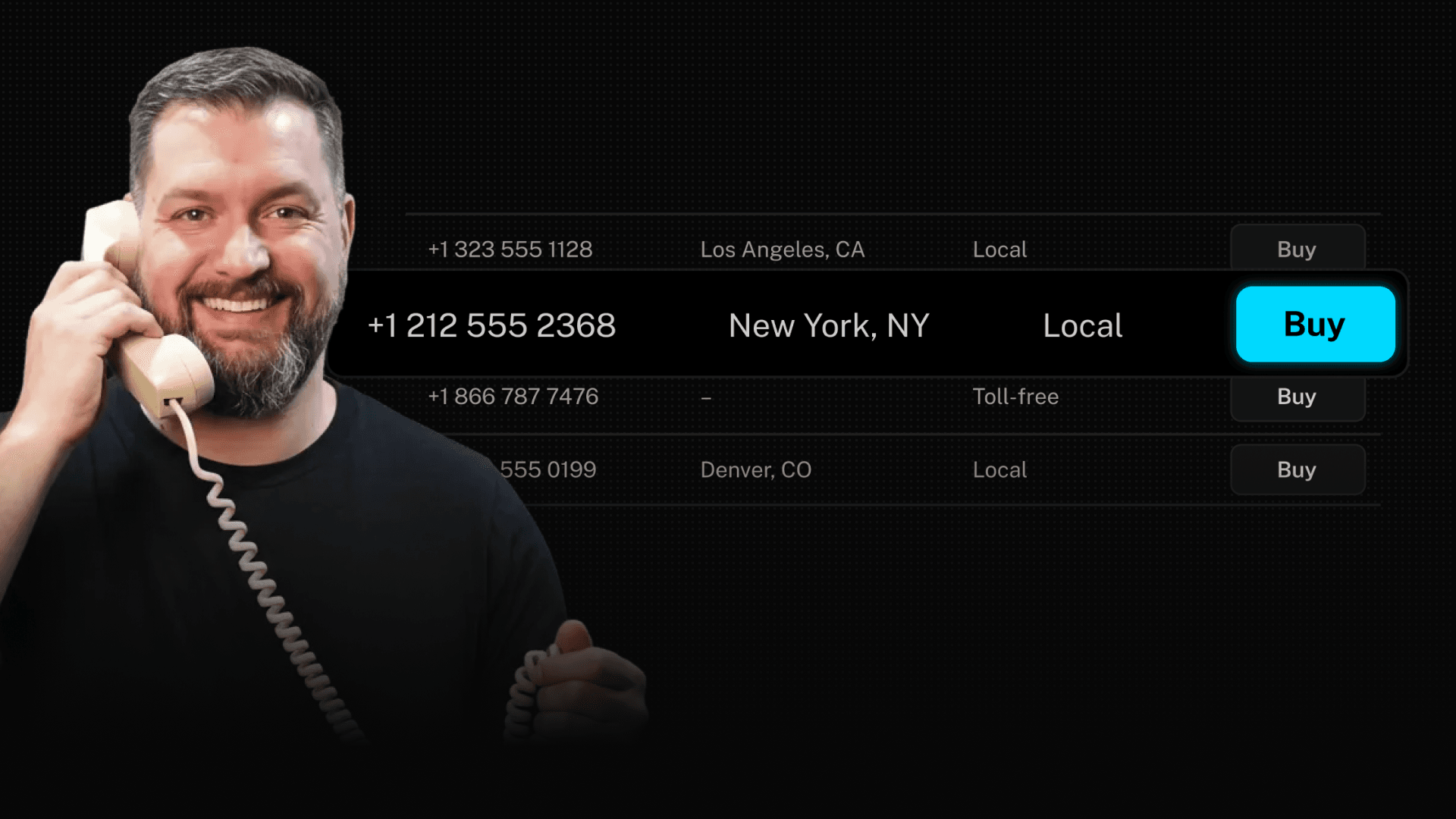
Buy phone numbers directly from LiveKit. Choose from available local or toll-free phone numbers in the US for inbound calling with the area code of your choice.
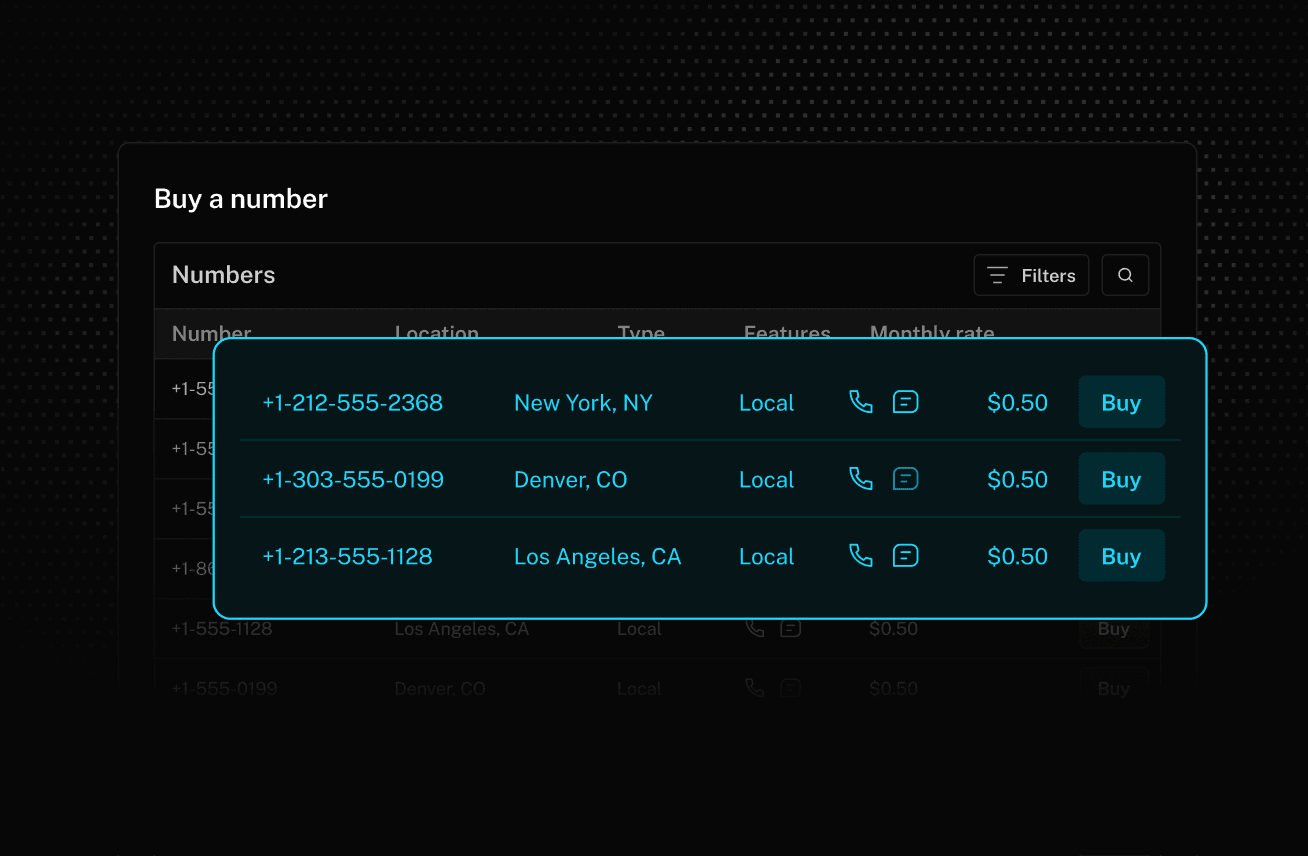
Buy phone numbers directly from LiveKit. Choose from available local or toll-free phone numbers in the US for inbound calling with the area code of your choice.

Simple configuration

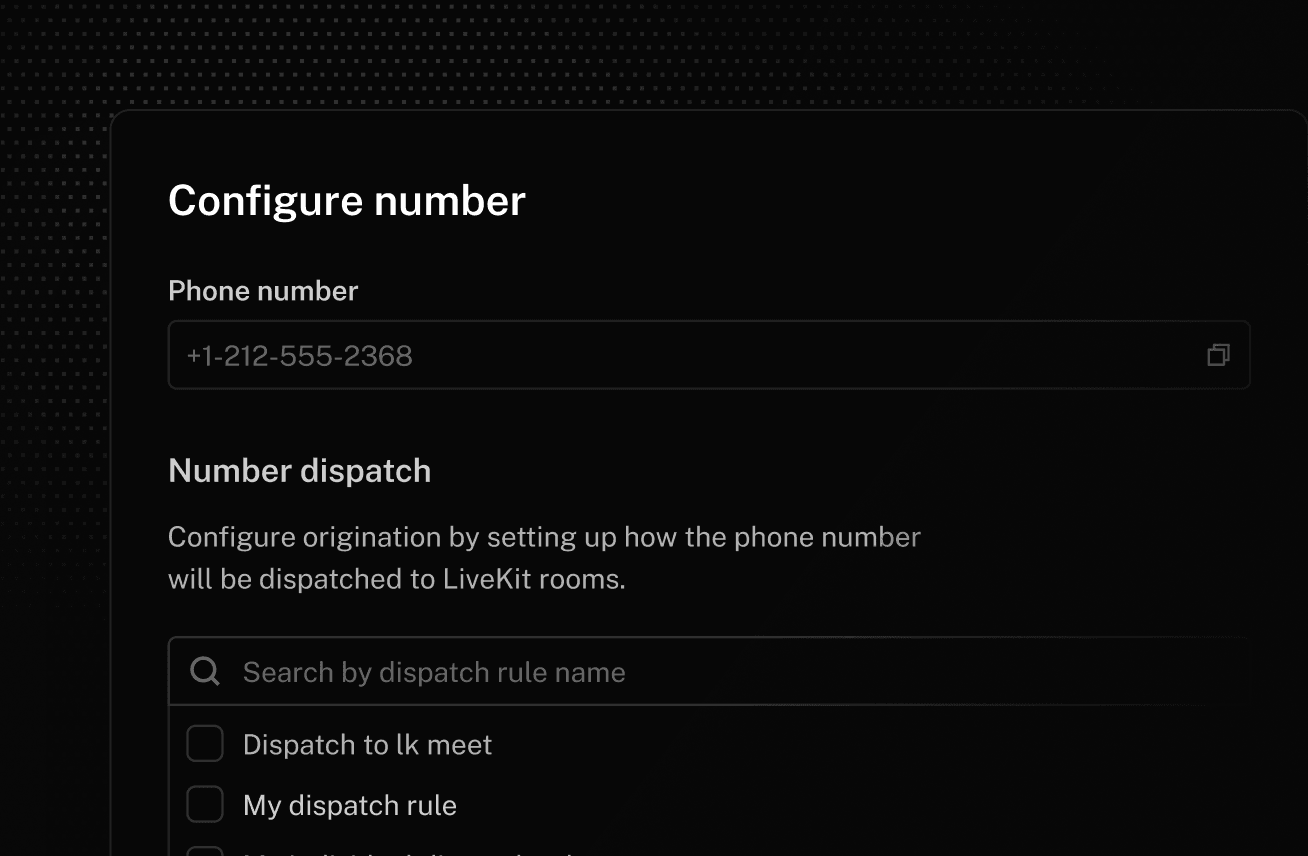
Connect callers to your agents directly with dispatch rules, without a third-party SIP trunk provider in the middle.
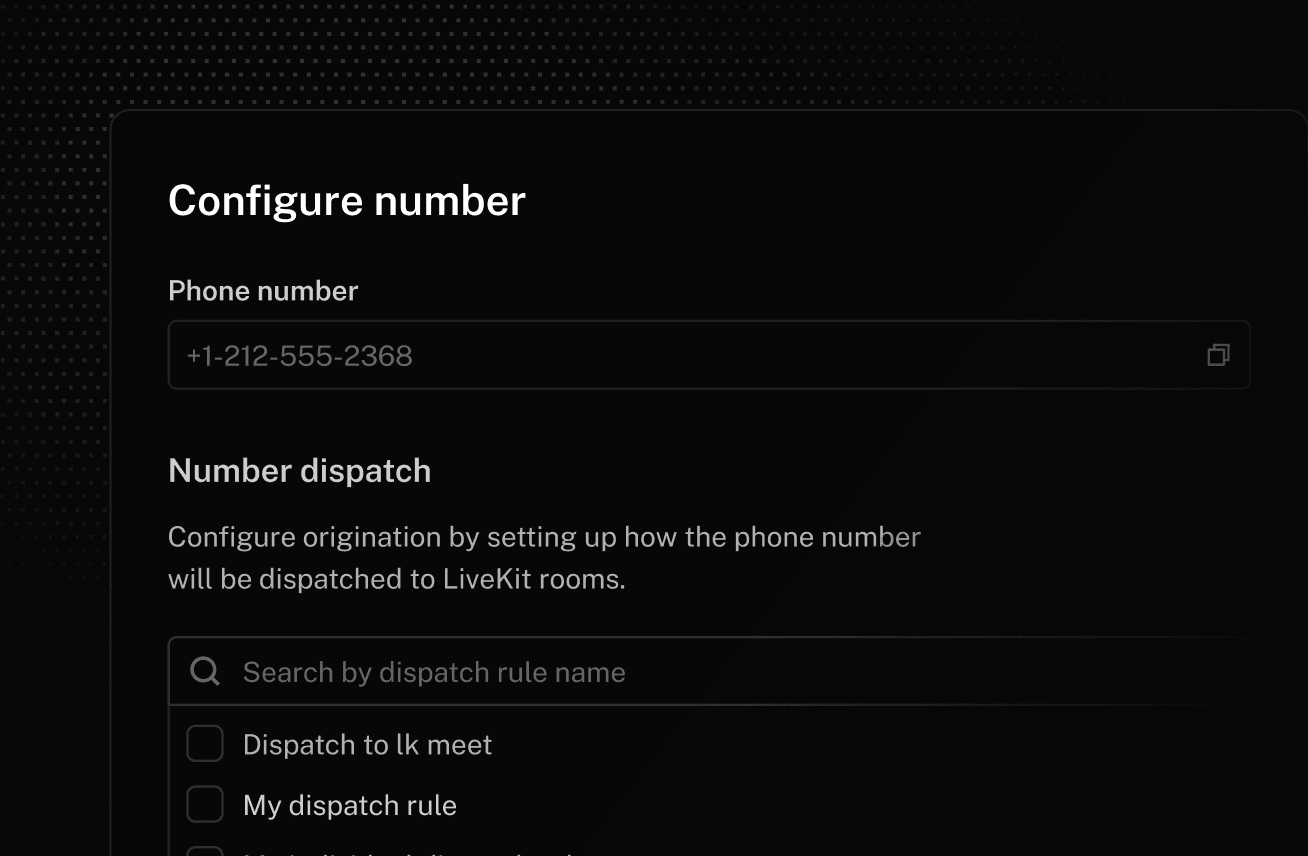
Define dispatch rules for your voice agents to answer inbound phone calls without having to set up SIP trunks with a third party provider.

Call handling

Build production-ready phone agents with native support for DTMF, warm and cold transfers, region pinning, secure trunking, and noise cancellation.
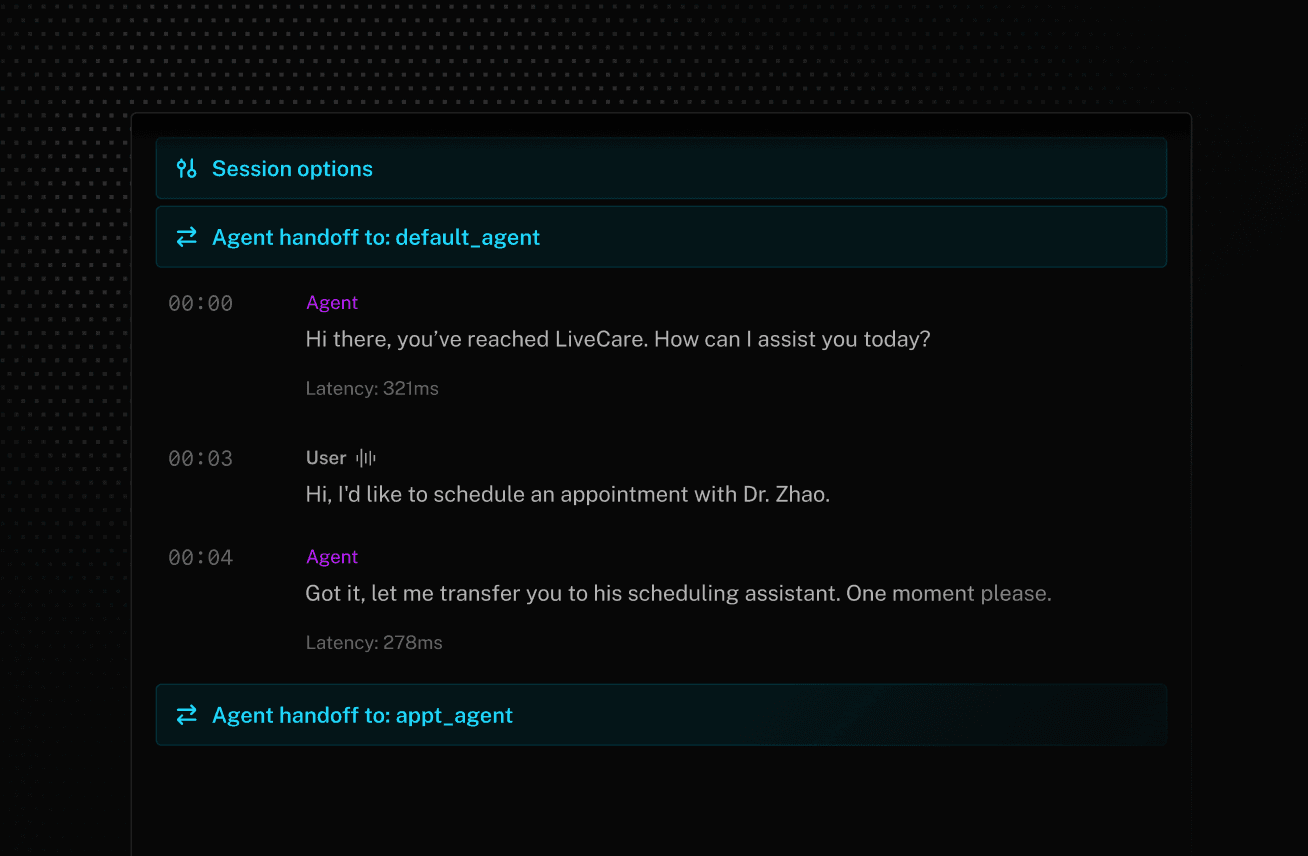
Build production-ready phone agents with native support for DTMF, warm and cold transfers, region pinning, secure trunking, and noise cancellation.

HD voice

Experience the industry’s clearest audio quality on calls using LiveKit Phone Numbers, from agent dialogue to hold music.
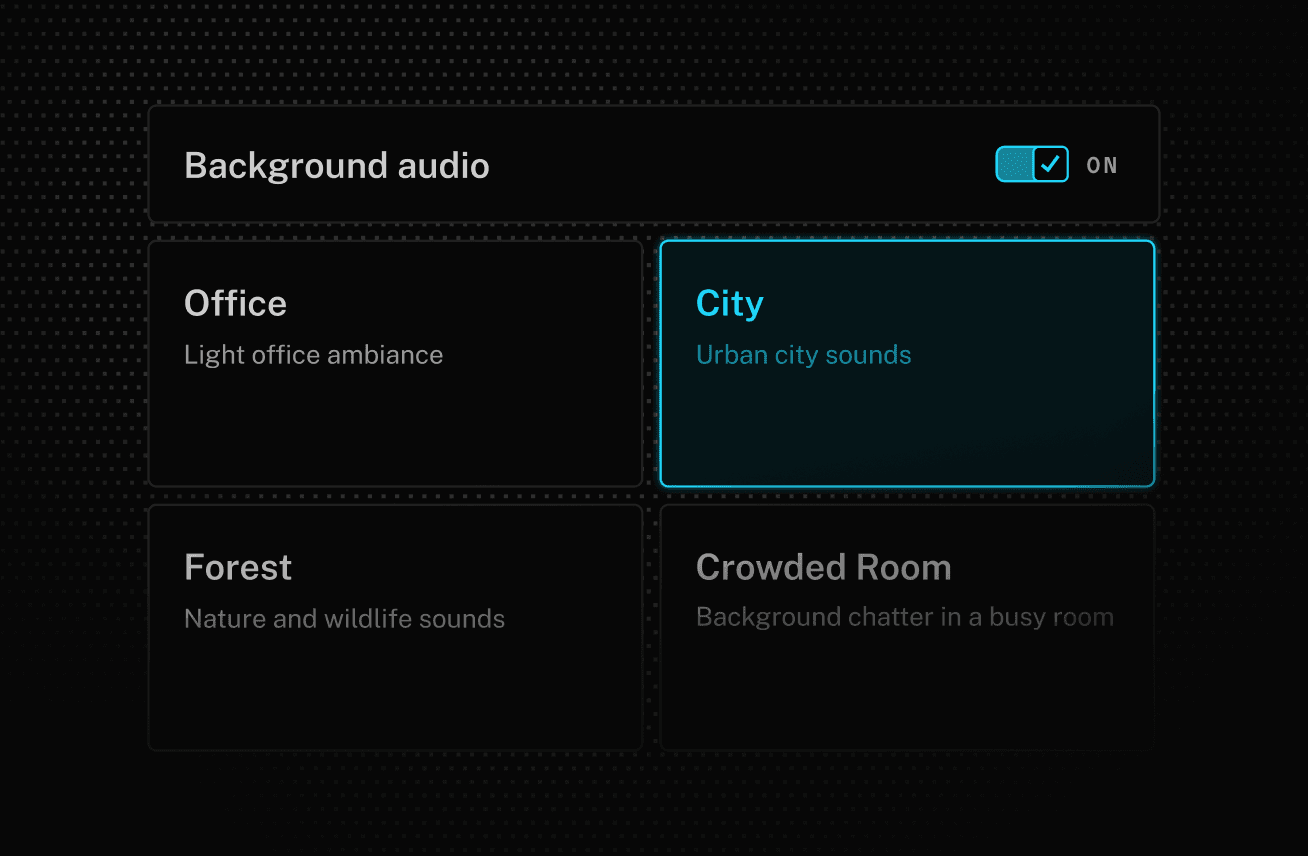
Experience the industry’s clearest audio quality on calls using LiveKit Phone Numbers, from agent dialogue to hold music.
The LiveKit Platform

Build, run, and observe
agents with LiveKit Cloud

Our end-to-end platform powers enterprise-grade voice AI
for customer support at global scale.

Open AI
Salesforce
Deutsche Telekom
Zocdoc
Coursera
xAI
Headspace
Oracle
Assort Health
Spotify
Explore the full platform

FAQs

How do I get started with LiveKit Phone Numbers?
Sign up for a LiveKit Cloud account, use the LiveKit Agents SDKs or Agent Builder to build an agent, then deploy to LiveKit Cloud using the CLI or with a single click in the dashboard. Once your agent is deployed to LiveKit Cloud, purchase a phone number and configure an agent dispatch rule. To learn more, visit our docs.
Can I make outbound agent calls with LiveKit?
Yes, LiveKit supports both inbound and outbound voice agent calls. For more information on how to configure your agent to initiate phone calls, visit our docs.
Does LiveKit support call transfers?
Yes, LiveKit supports both call forwarding (cold transfers) and agent-assisted transfers (warm transfers). To learn more about configuring agent transfers, visit our docs.
What countries are LiveKit Phone Numbers available in?
We currently offer local and toll-free phone numbers in the United States for inbound calling. Outbound calling and international phone numbers will be available soon. In the meantime, you can use our SIP integration to bring your own number from a telephony provider.

To learn more, visit our docs.
Does LiveKit support phone numbers from other providers like Twilio?
Yes, you can bring your own phone number with LiveKit’s SIP integration. You will need to configure a SIP trunk with your telephony provider. LiveKit supports most SIP providers out-of-the-box, including Twilio, Telnyx, Pivo, and Wavix. To learn how to configure a SIP trunk, visit our provider-specific quickstarts.
Can I use any SIP provider with LiveKit?
Yes, LiveKit supports any third-party SIP provider with our SIP trunk integration. To learn more about how to configure a SIP trunk and associate it with your LiveKit Cloud project for inbound and outbound calling, visit our docs.
How much does it cost to use LiveKit Phone Numbers?
Phone numbers are billed on a monthly rate based on the country and type of phone number (e.g., local, toll-free). Agents connecting to the phone network via SIP are billed by the minute and vary based on direction (inbound vs outbound) and provider (LiveKit Phone Numbers or third party). To learn more, visit our pricing page.
What SIP features does LiveKit support?
LiveKit supports advanced telephony features for call handling, audio quality, security, and compliance. With LiveKit, your phone agents can navigate IVR systems, accept DTMF inputs from callers, detect answering machines (coming soon), and make cold and warm transfers to other agents or phone numbers.

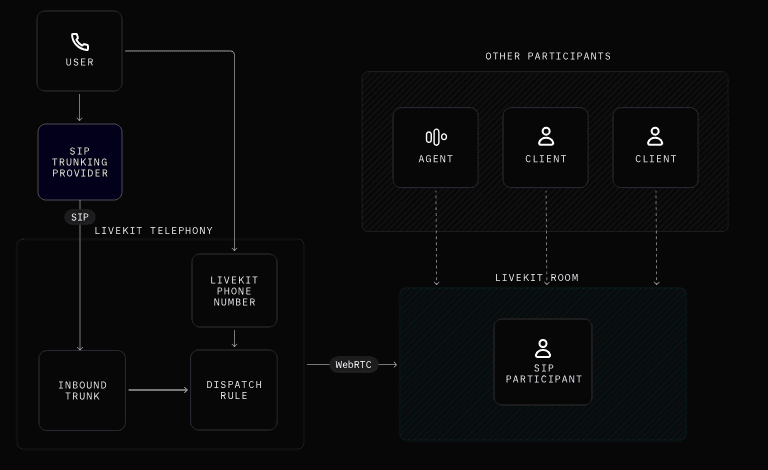
LiveKit SIP also bridges phone calls with WebRTC rooms so you can access SIP callers from the web and monitor phone calls live.

To learn more about LiveKit's telephony features, visit our docs.
What is the difference between LiveKit Phone Numbers and LiveKit SIP?
LiveKit Phone Numbers is our first-party service that includes both phone number inventory and telephony infrastructure. By using LiveKit Phone Numbers, your agents can connect directly to telephony carriers without a SIP provider in the middle.

LiveKit SIP is our telephony infrastructure that enables seamless call routing between telephony systems and LiveKit rooms using Session Initiation Protocol (SIP). To learn more about SIP, visit our docs.

Ready to build?

Start building a voice AI agent with a free account. Reach out to us if you're interested in custom pricing.

No credit card required • 1,000 free agent session minutes monthly