Agent Simulations
Run your real agent against LLM-driven simulated users in text and audio. Test full conversations before deployment, see exactly where they break, and ship with more confidence.
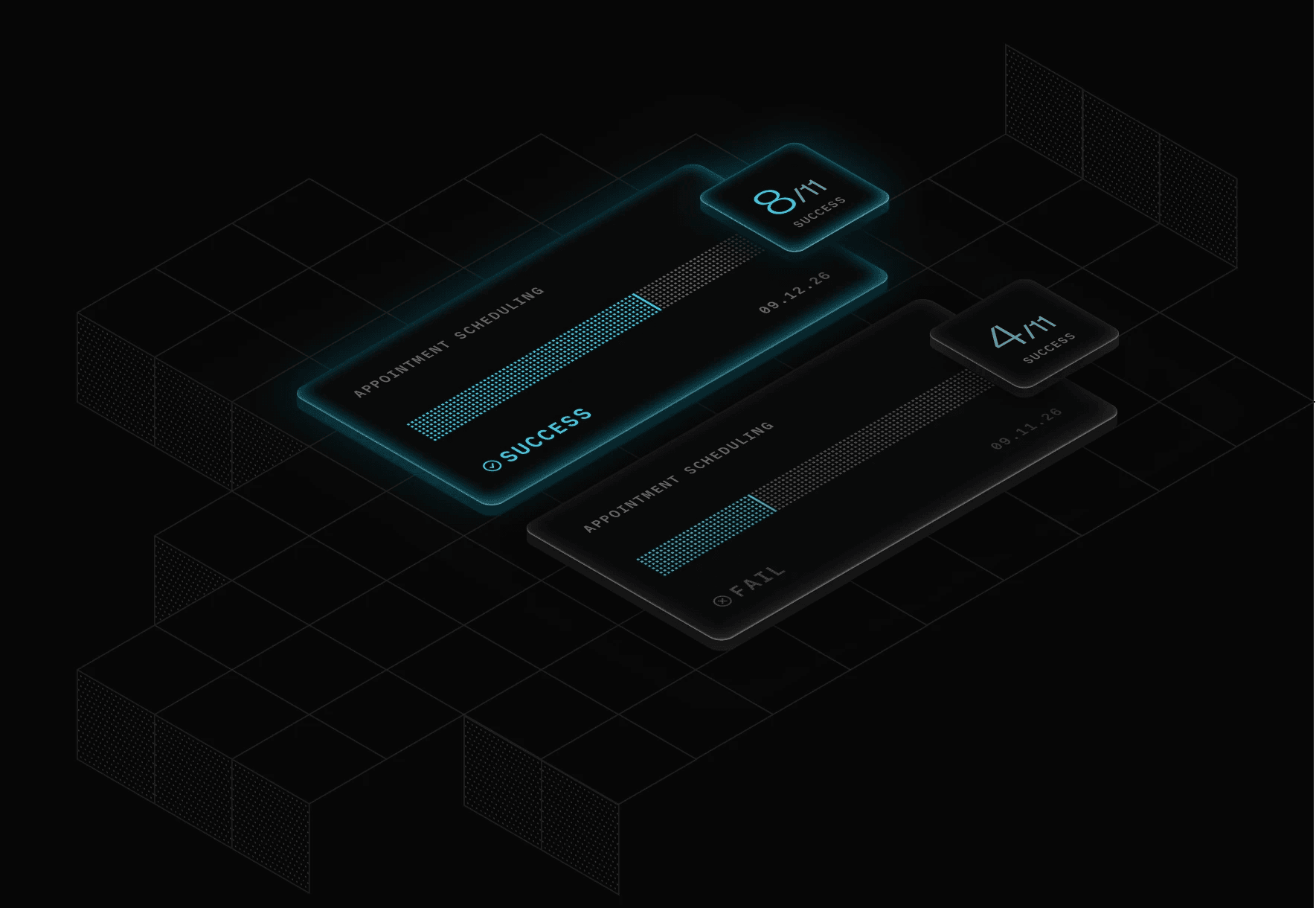
Test every part of your agent before you deploy
Run realistic simulations across text and audio, evaluate complete conversations, and bring real production failures back into your test suite.
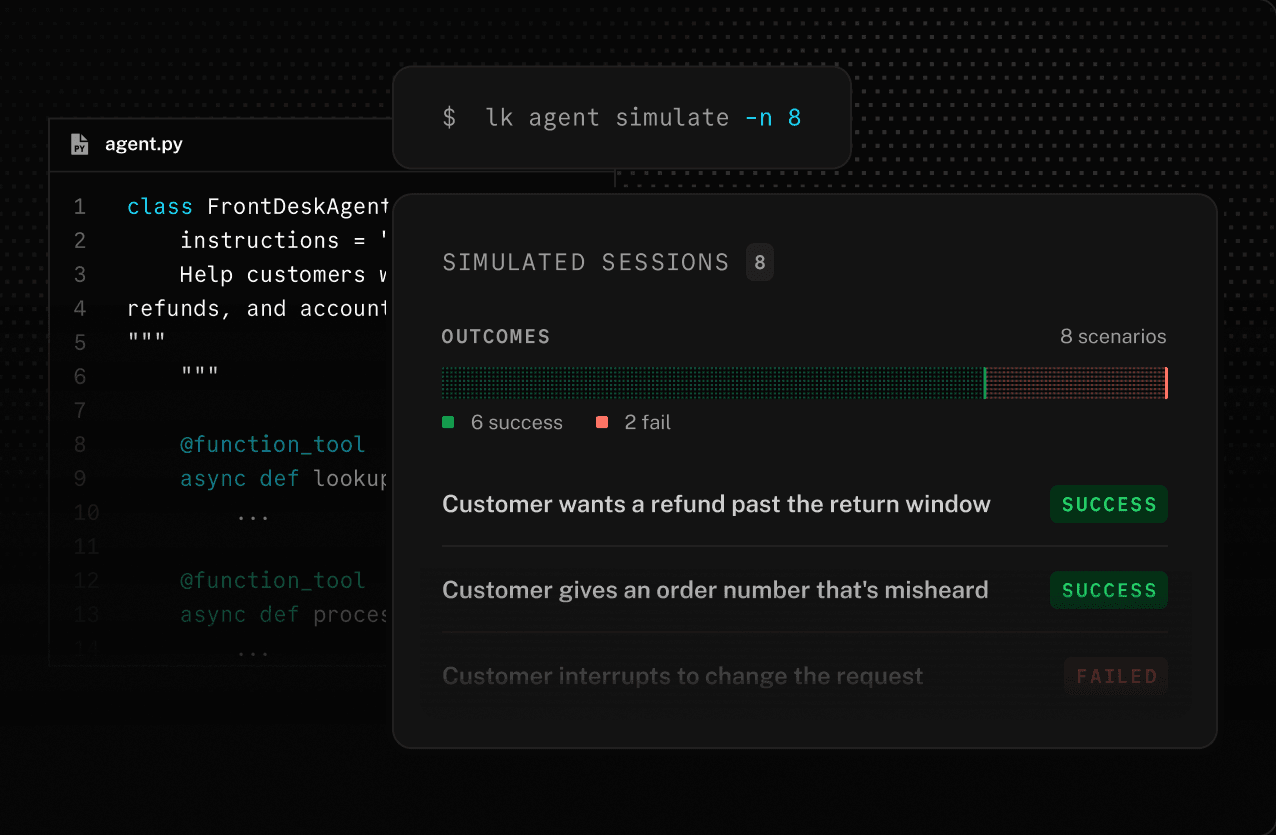
Automated scenarios
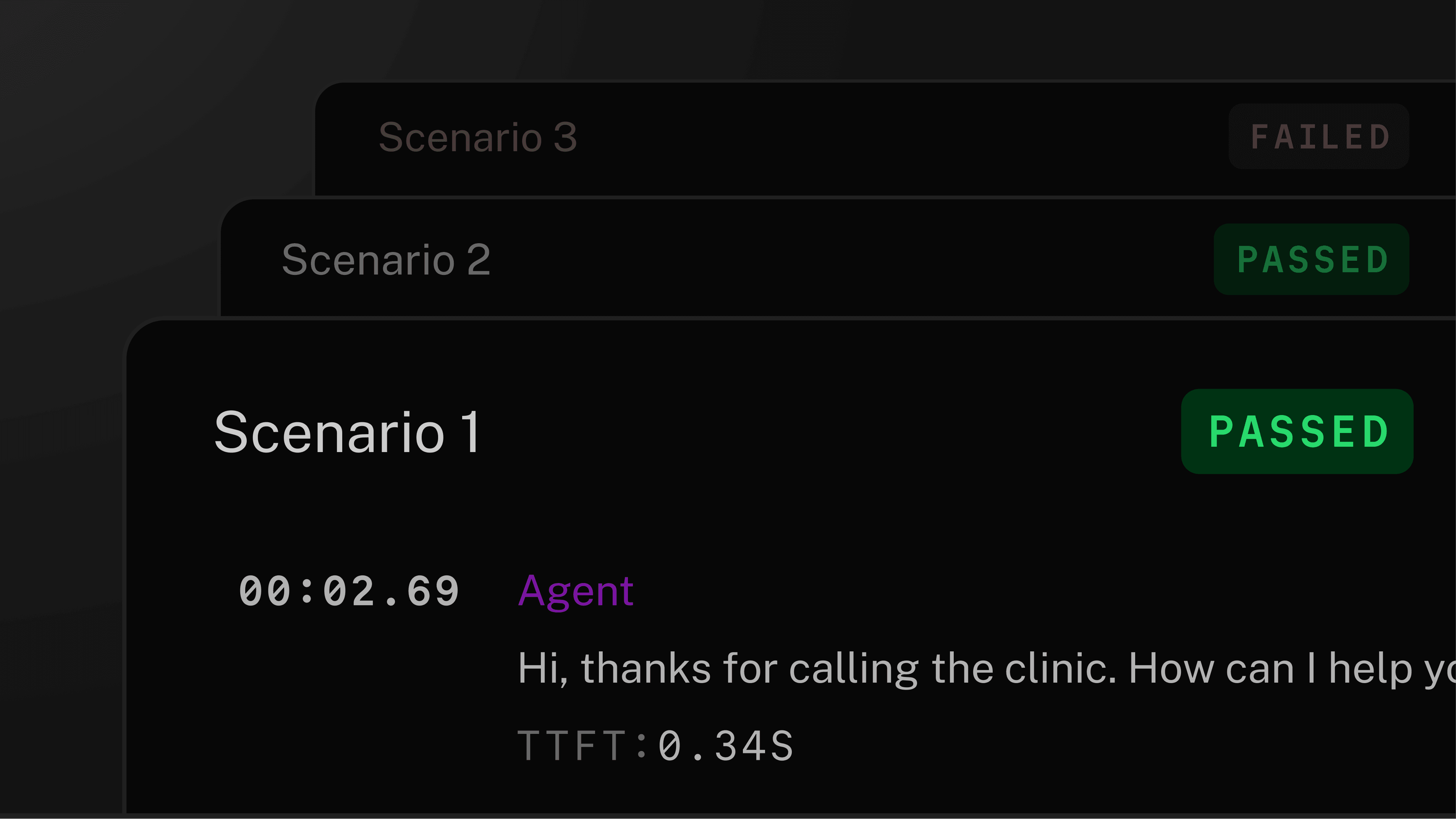
Generate scenarios from your agent code and run them automatically, in parallel.
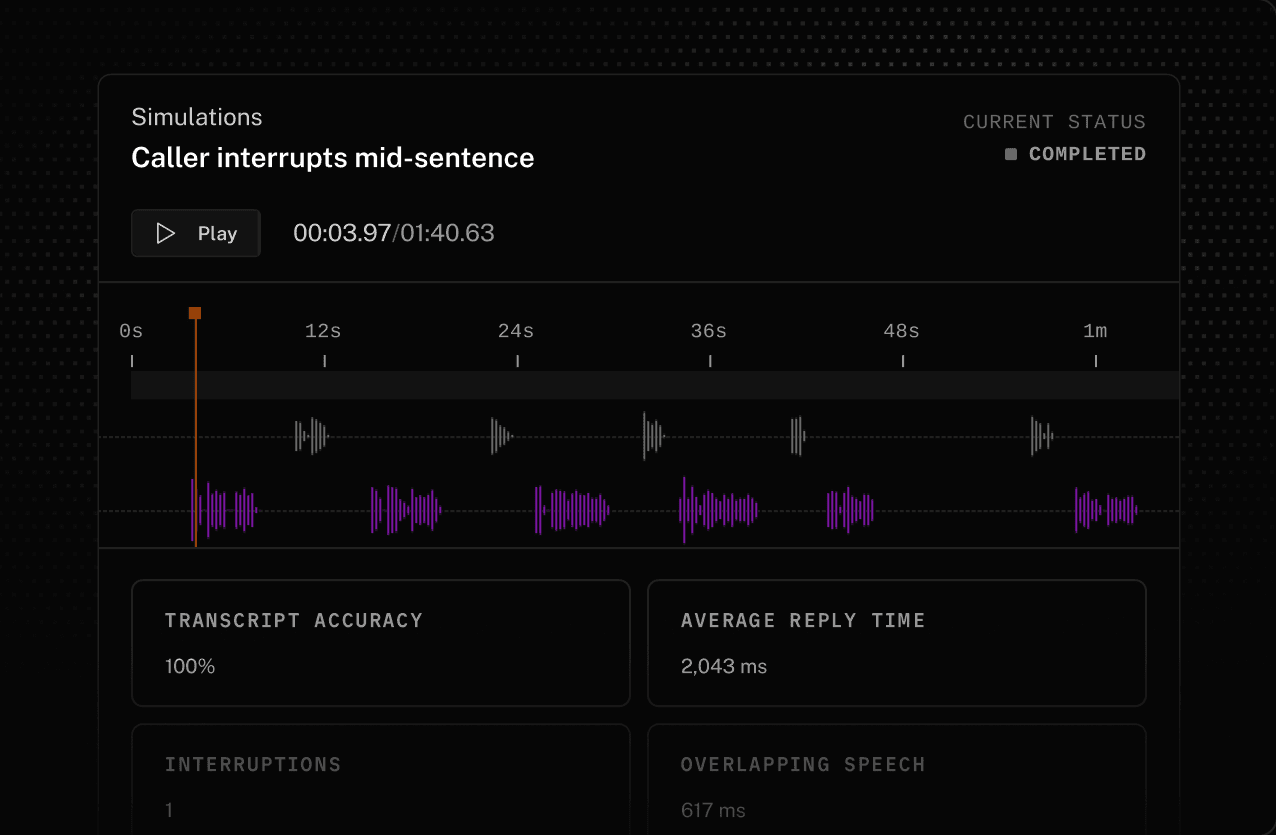
Audio simulations
Run scenarios through your full voice pipeline. LiveKit adds real-world conditions like background noise, and interruptions, then measures latency, transcription accuracy, and call quality.
Text simulations
Cheaper to run, for extra coverage of more cases. Text simulations focus on your agent's logic, testing how it understands requests, uses tools, and moves through a conversation.
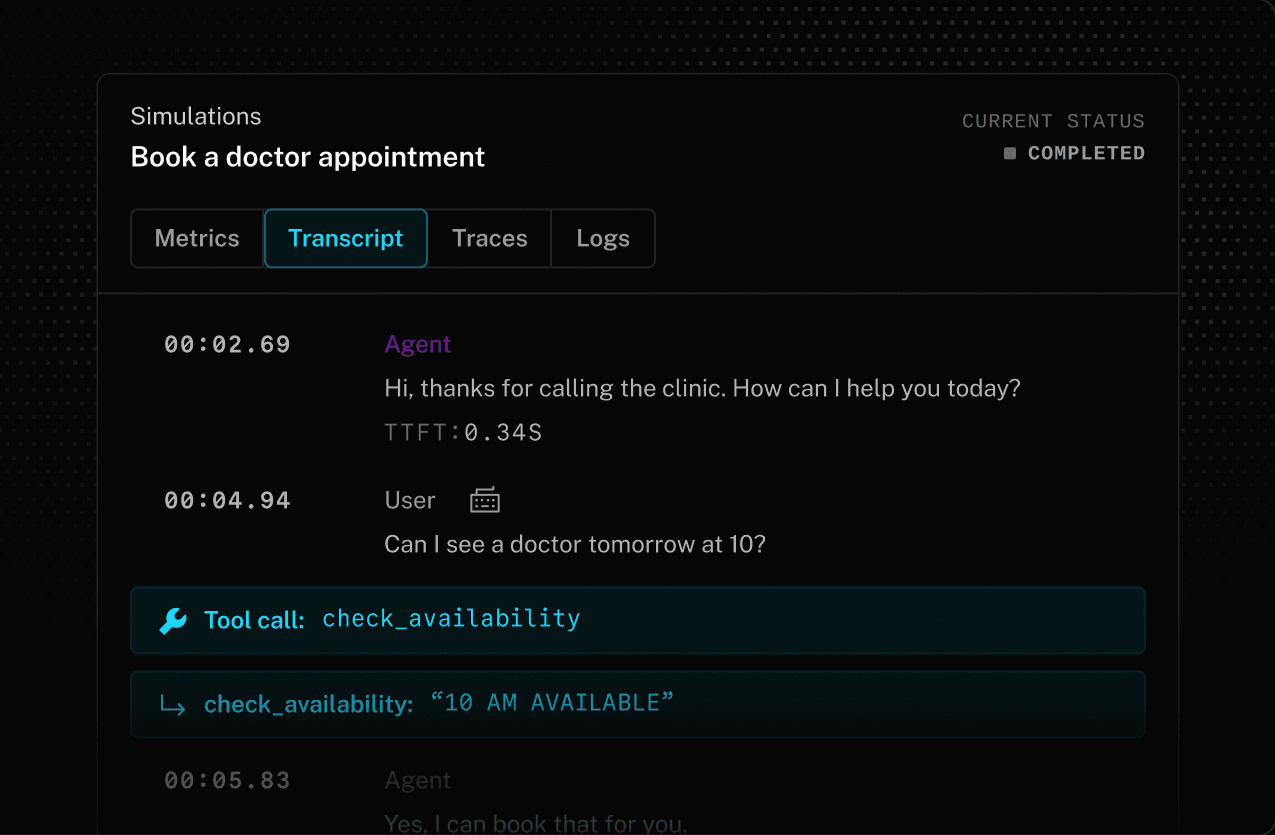
Conversation evaluation
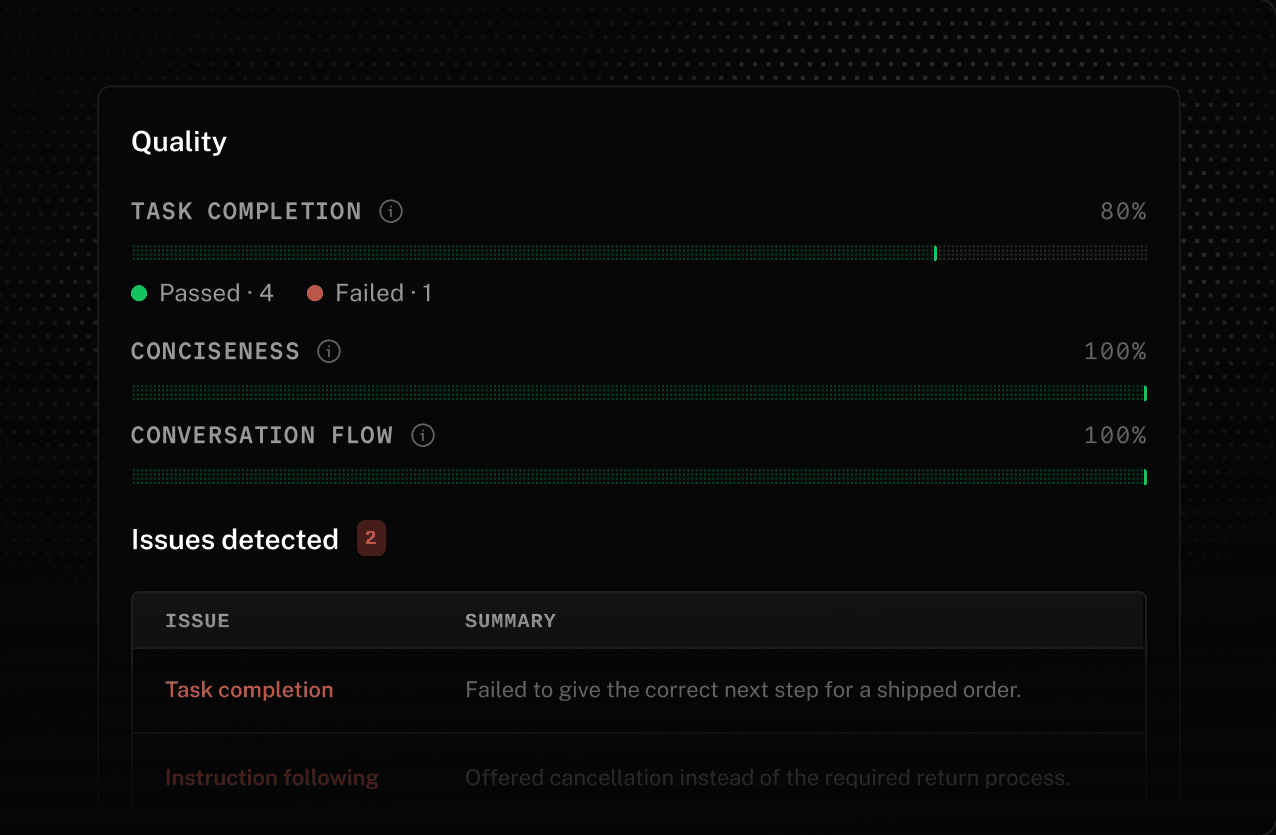
Evaluate the full conversation and confirm that the agent completed the expected task and reached the right outcome.
Production to test
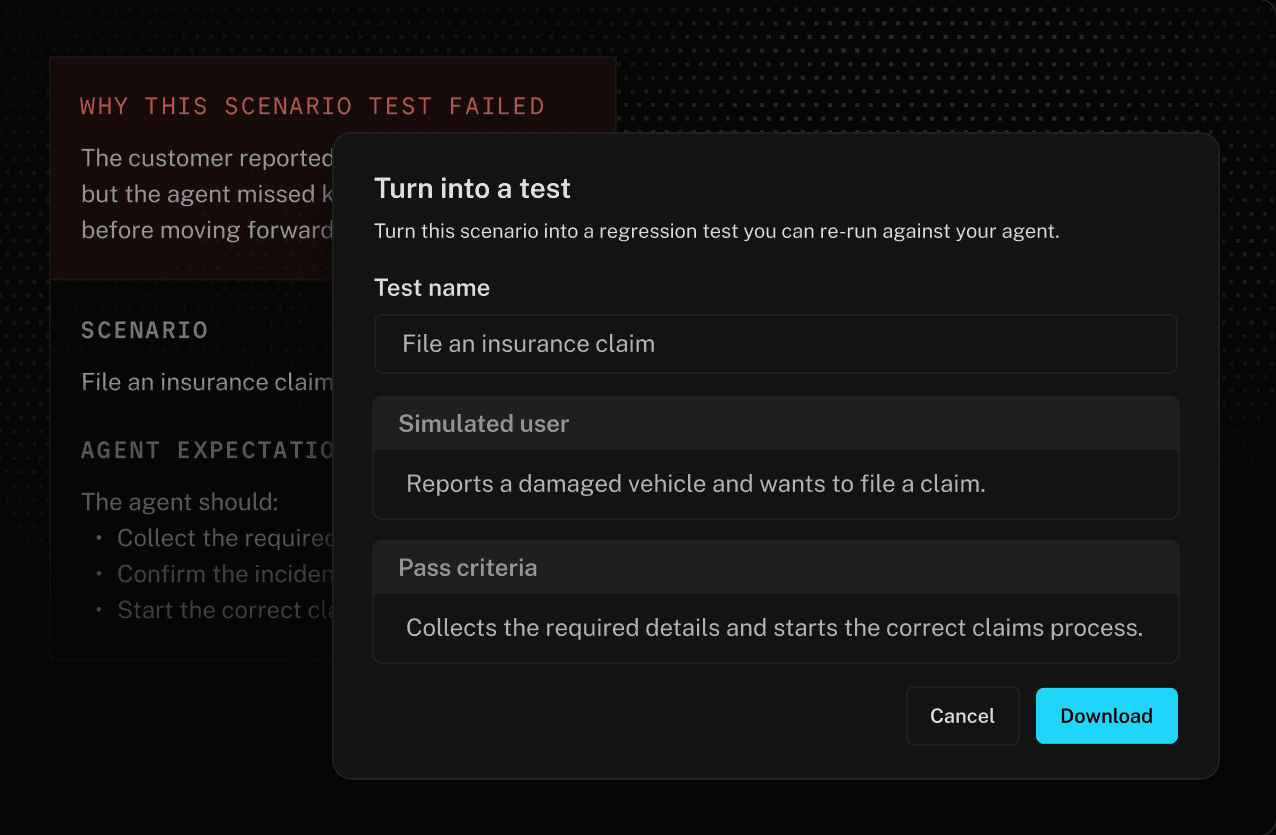
Turn real production failures into reusable test scenarios that keep checking for the same issue as your agent changes.
CI Integration
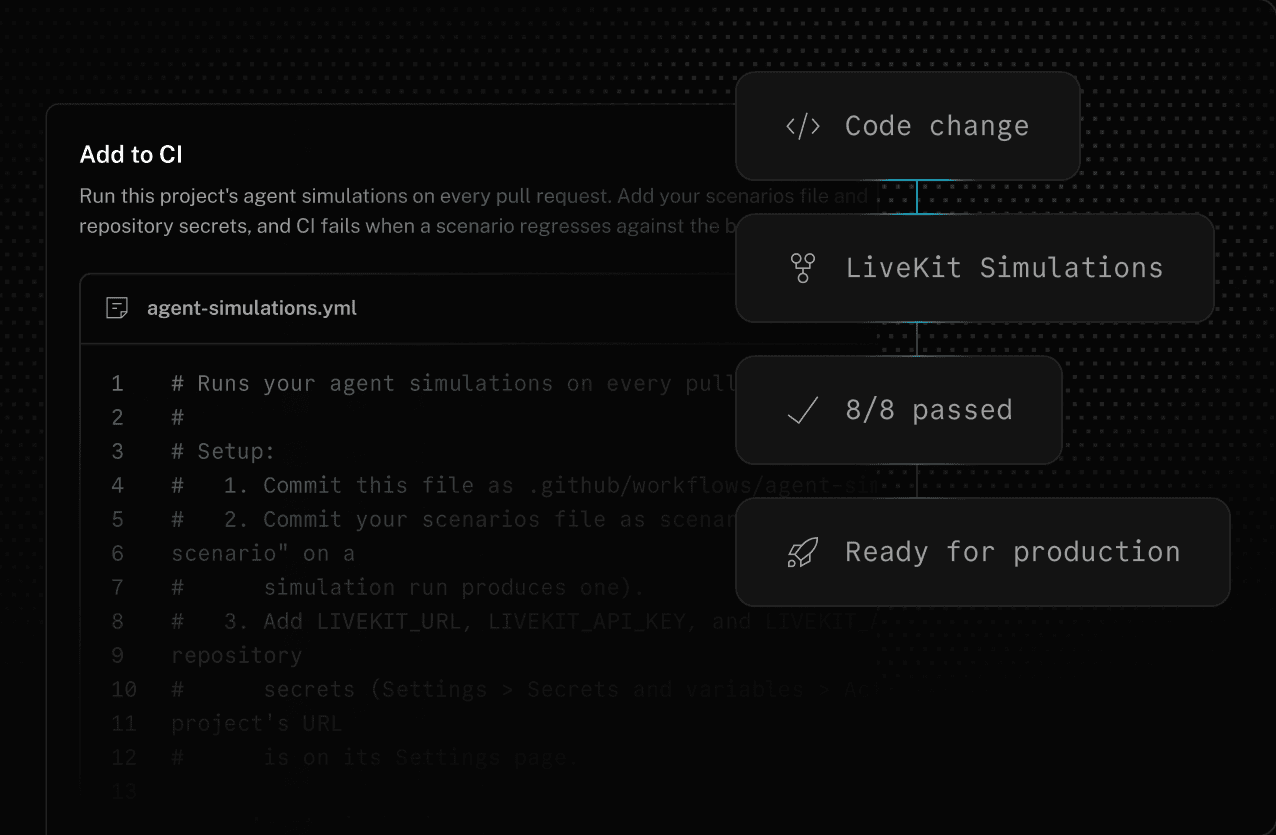
Add simulations to your main branch pipeline and every commit is tested before it reaches production.
Build, run, and observe
agents with LiveKit Cloud
Our end-to-end platform powers enterprise-grade voice AI
for customer support at global scale.



FAQs
How do I get started with Simulations?
lk agent simulate from your agent's directory. With no scenario file, the CLI generates scenarios from your agent's source. To learn more, visit our docs.What's the difference between text and audio simulations?
Do I need to deploy my agent before running a simulation?
--agent-name flag. To learn more, visit our docs.What can Simulations evaluate?
Can I run Simulations in CI/CD?
Can I turn production conversations into test scenarios?
Ready to build?
Start building a voice AI agent with a free account. Reach out to us if you're interested in custom pricing.
No credit card required • 1,000 free agent session minutes monthly