Agent Builder
Build and test production-ready voice agents. Configure your agent in a few simple steps, preview it live, then deploy it to LiveKit Cloud with no local setup required.
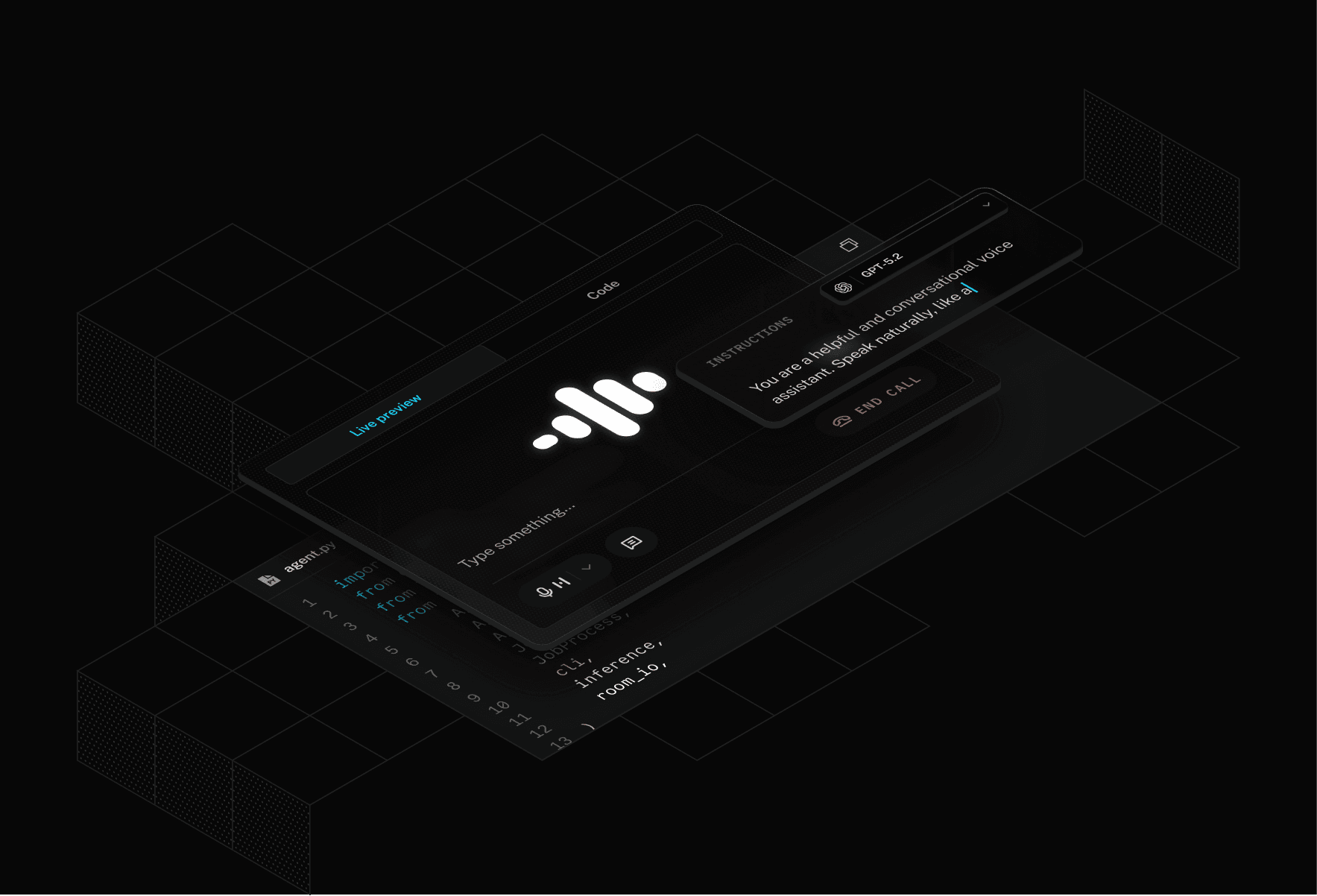
Prototype voice agents in your browser
Quickly build a proof-of-concept, explore ideas, or stand up a working voice agent in minutes. Every agent built on Agent Builder is fully executable Python code.
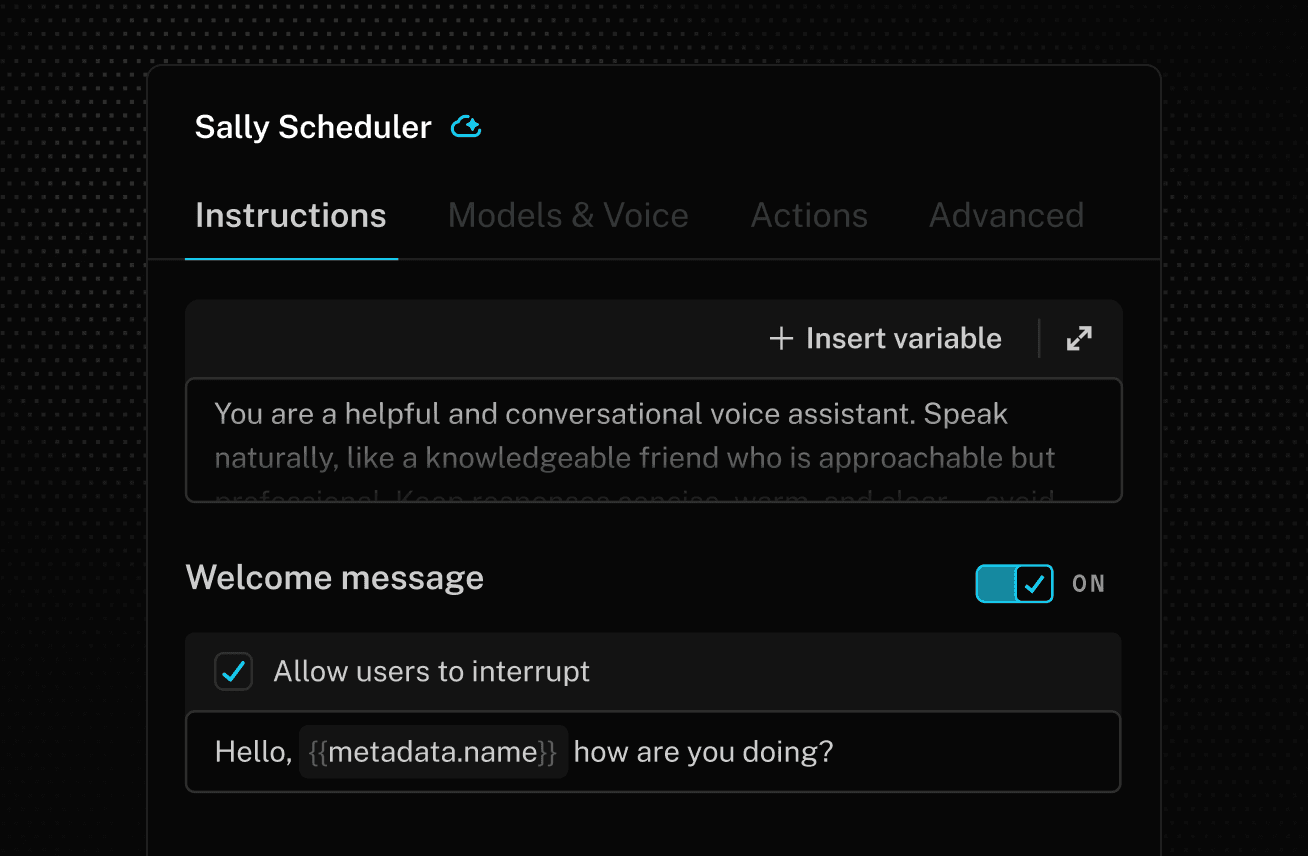
Customize prompt
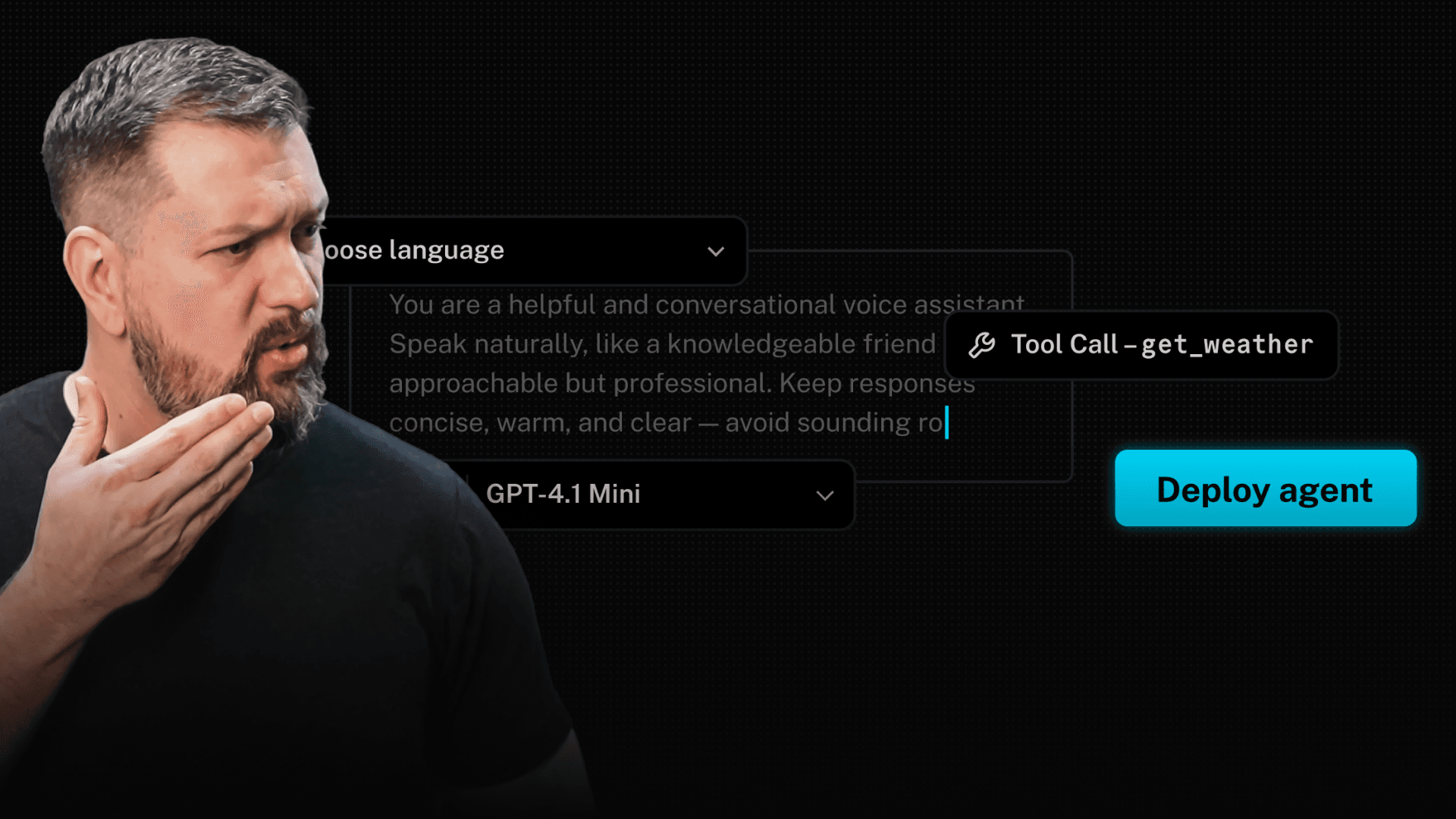
Write instructions to define your voice agent’s identity and behavior. Give it a name and a welcome greeting when users first join the call.
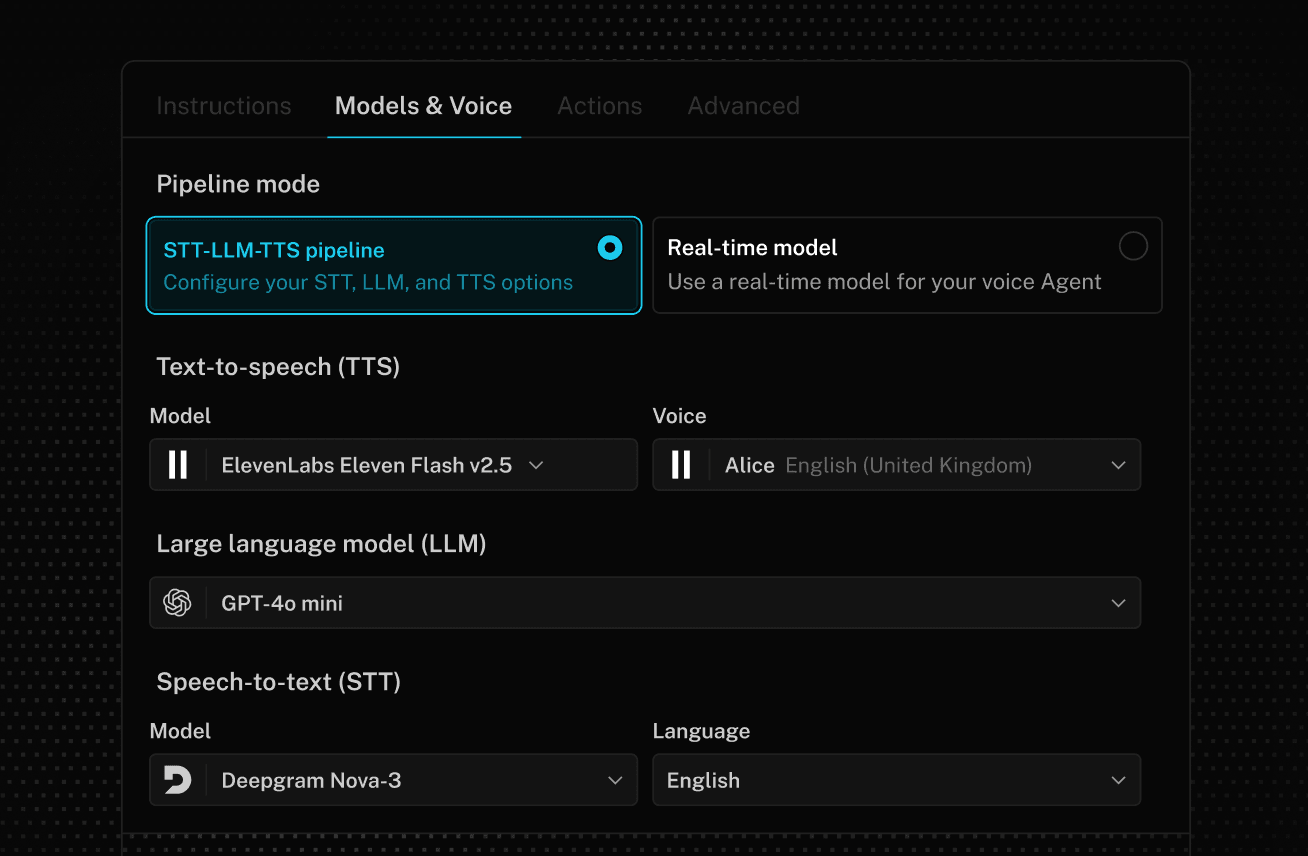
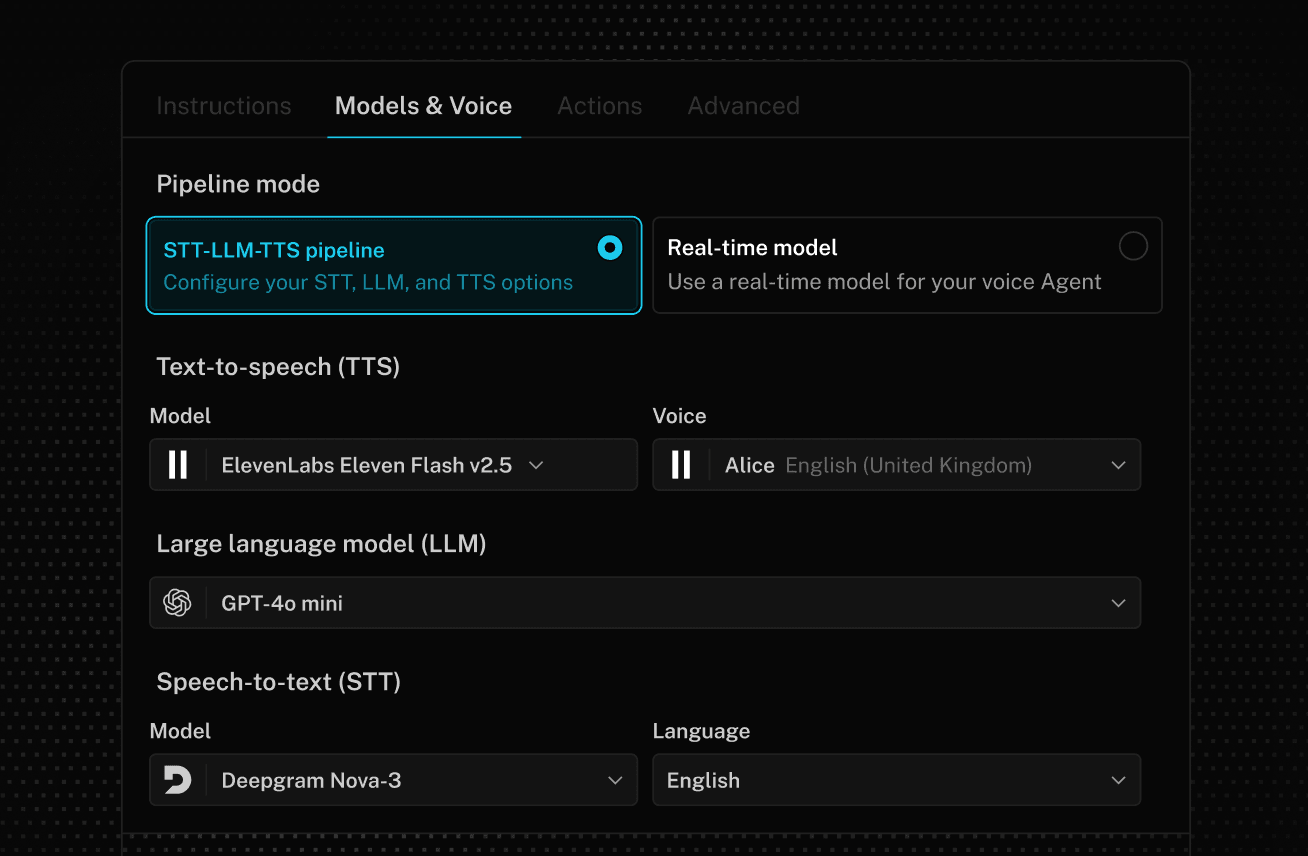
Choose model
Shape your agent’s voice, character, and language by selecting AI models. Use a cascaded STT-LLM-TTS pipeline or try SpaceXAI’s Grok realtime model.
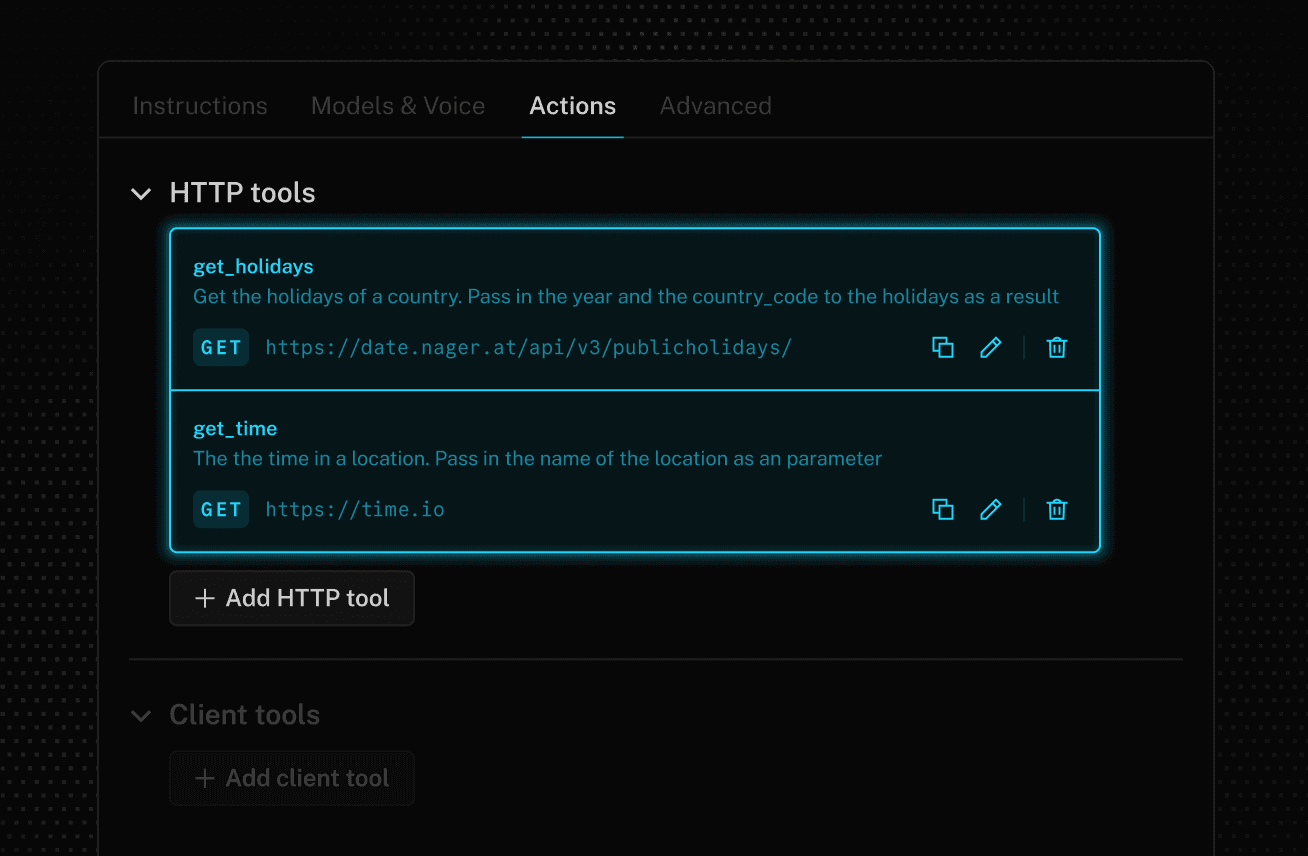
Define actions
Give your agent the ability to interact with web-based APIs, retrieve data, connect to MCP servers, and define data collection sequences with configurable tools.
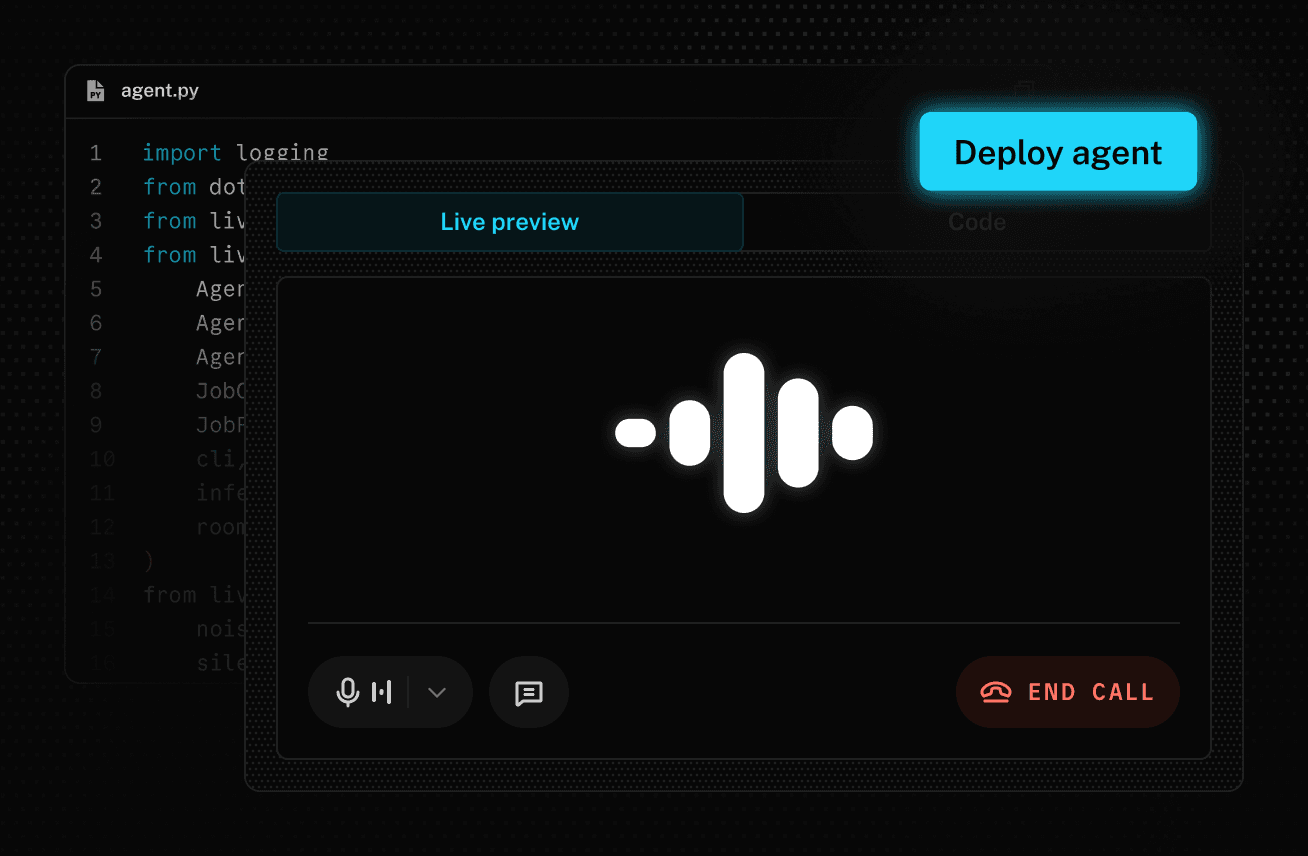
Preview and deploy
Preview your agent by starting a conversation in your browser. When you like what you hear, deploy it to production with a single click.
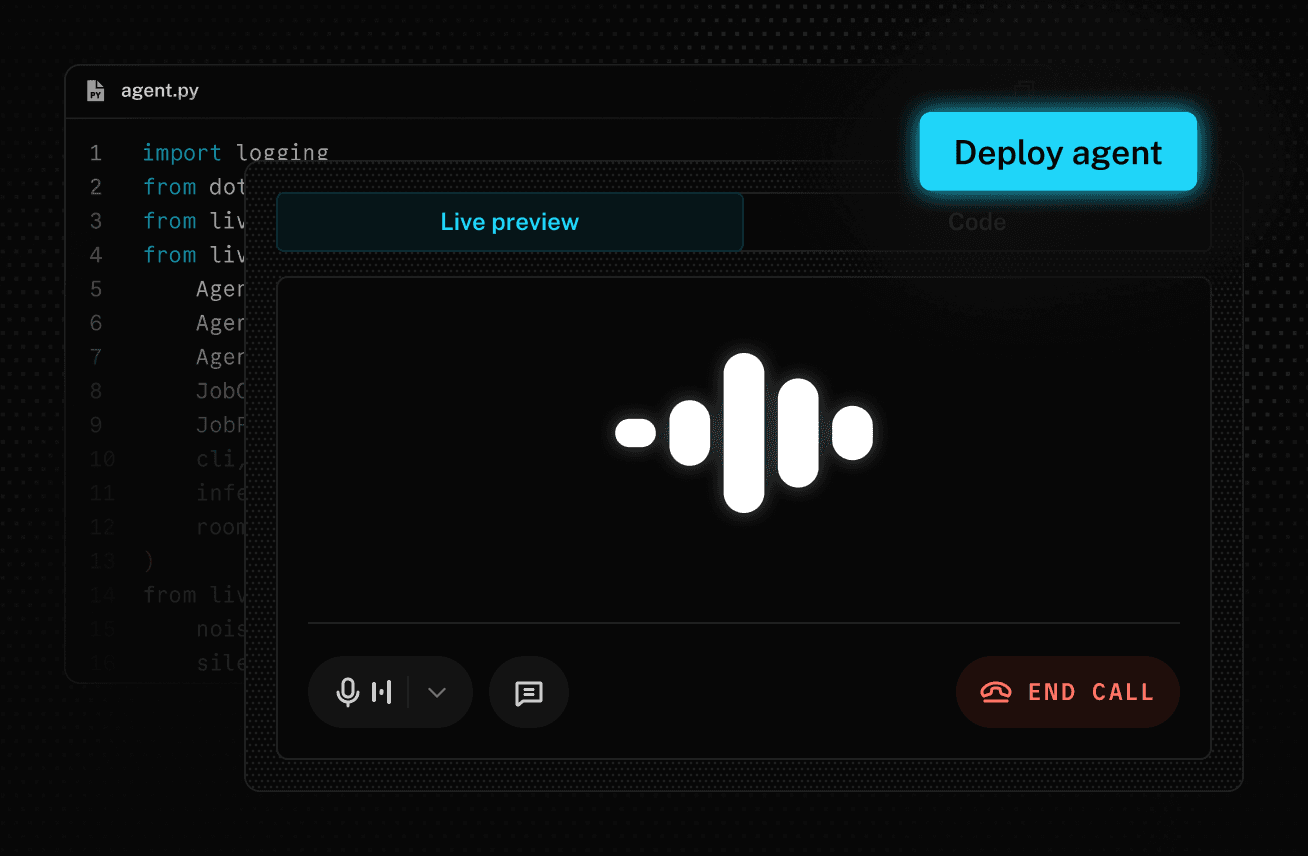
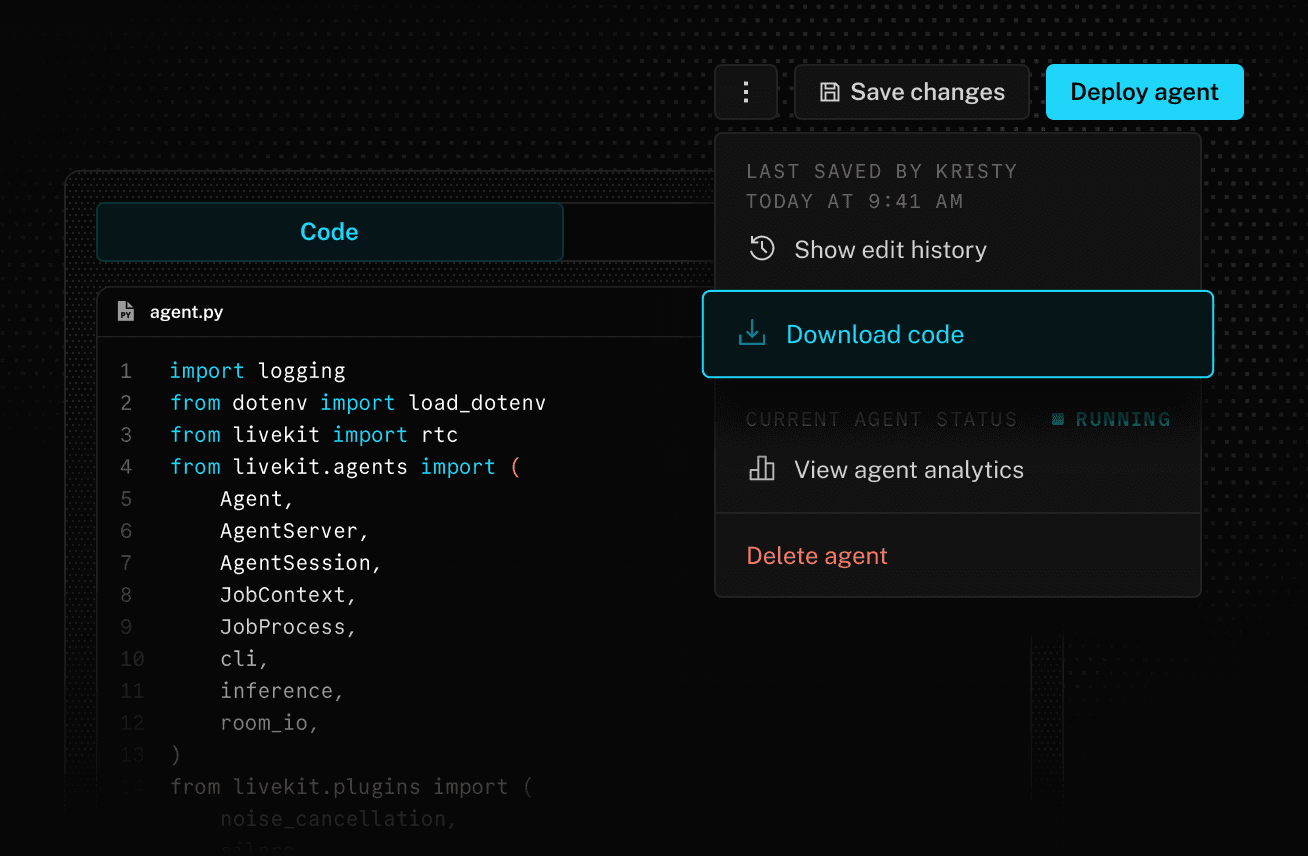
Convert to code
Download your agent code from the LiveKit Cloud dashboard and continue to iterate in your IDE with our Python Agents SDK.
Build, run, and observe
agents with LiveKit Cloud
Our end-to-end platform powers enterprise-grade voice AI
for customer support at global scale.



Resources to help you learn and ship
FAQs
How do I get started with LiveKit’s Agent Builder?
How does Agent Builder compare to other low-code / no-code voice AI tools?
Every agent deployed using Agent Builder is a real, fully functional LiveKit Agent running on LiveKit Cloud and is no different than an agent deployed from code. Unlike other low-code / no-code voice AI platforms, agents deployed on LiveKit Cloud do not use a shared runtime with other users and are not subject to automated version updates.
What voice AI models are available in Agent Builder?
When should I use Agent Builder vs the Agents SDKs?
Can I convert agents into code later?
How do I modify the code of my agent?
How do I add tools or custom logic to agents?
How do I deploy agents on Agent Builder?
Ready to build?
Start building a voice AI agent with a free account. Reach out to us if you're interested in custom pricing.
No credit card required • 1,000 free agent session minutes monthly